Guest user account.
What’s a guest account if you may ask. Its an existing (dormant) account on Windows XP that only has very limited user privileges. Anyone using the Guest account can do everything else except install/uninstall programs, delete files (not unless it was created from the Guest account) and change system settings.
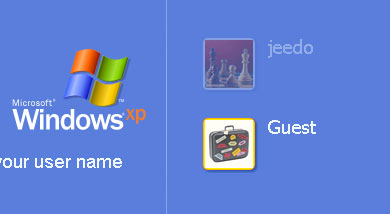 Basically anything that administrators can do are disabled in the Guest user account. This however is disabled by default. To enable the Guest user account.
1. Go to the Windows XP Control Panel.
2. Look for the User Accounts icon and open it.
Basically anything that administrators can do are disabled in the Guest user account. This however is disabled by default. To enable the Guest user account.
1. Go to the Windows XP Control Panel.
2. Look for the User Accounts icon and open it.
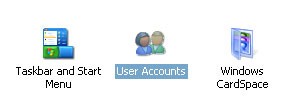 3. You should see the User Accounts window. Click on the Guest icon.
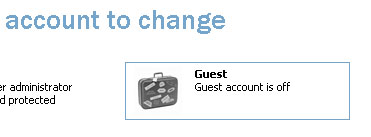 4. You’ll be asked if you want to turn on the guest user account. Click on the Turn On the Guest Account button and you are done.
5. Once it has been enabled, you can click the same icon again to either change the picture (icon) of the guest account or disable it.
Take note though that you can’t set a password for the guest account so practically anyone can use the account once its enabled. Oh, I almost forgot even though guest users can’t do anything to your system, they may still be able to view some of your personal documents if you haven’t set it to private. ^_^
]]>
4. You’ll be asked if you want to turn on the guest user account. Click on the Turn On the Guest Account button and you are done.
5. Once it has been enabled, you can click the same icon again to either change the picture (icon) of the guest account or disable it.
Take note though that you can’t set a password for the guest account so practically anyone can use the account once its enabled. Oh, I almost forgot even though guest users can’t do anything to your system, they may still be able to view some of your personal documents if you haven’t set it to private. ^_^
]]>